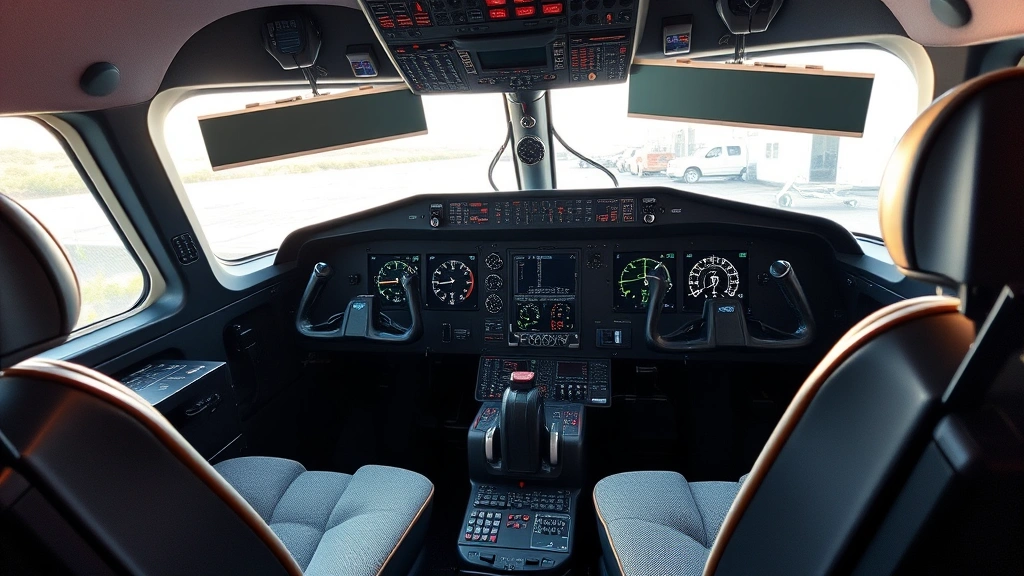
Best Flight Sim Yoke? Pilot’s Choice Guide
Whether you’re a seasoned virtual pilot or just discovering the immersive world of flight simulation, choosing the right flight sim yoke can transform your experience from casual gaming to genuine cockpit authenticity. A quality yoke isn’t just about control—it’s about feeling the aircraft respond to your inputs with realistic precision, understanding the subtle nuances of pitch and roll, and truly embodying the role of pilot.
The flight simulation community has exploded over the past few years, with platforms like MSFS 2024, X-Plane, and Prepar3D attracting pilots worldwide. From commercial airline enthusiasts to bush pilots and aerobatic performers, everyone benefits from equipment that delivers professional-grade performance. The right yoke can mean the difference between struggling through approaches and executing butter-smooth landings that rival real aviation.
This comprehensive guide explores the best flight sim yokes currently available, examining features, price points, and what makes each option stand out for different pilot profiles. We’ll help you navigate the crowded marketplace and find the perfect control interface for your virtual flying adventures.
Top Flight Sim Yokes Reviewed
The market for flight simulation equipment has matured significantly, and several manufacturers have earned stellar reputations for delivering authentic, durable yokes. Let’s examine the frontrunners that consistently receive praise from the virtual aviation community.
Honeycomb Alpha Flight Controls represent the gold standard for many serious flight simmers. This yoke features a robust aluminum construction, authentic feel, and exceptional build quality that justifies its premium price point. The Alpha includes a robust USB connection, precise analog inputs, and compatibility with virtually all major flight simulation platforms. Pilots appreciate the smooth, responsive handling and the yoke’s ability to maintain calibration over extended sessions. The integrated throttle quadrant adds convenience, though some prefer standalone throttle systems for greater flexibility.
Logitech G Pro Flight Yoke System offers an excellent balance between affordability and performance. This entry-level to mid-range option provides solid construction, reliable controls, and impressive compatibility. It’s particularly popular among newcomers who want authentic controls without breaking the bank. The yoke features realistic resistance, smooth operation, and decent build quality that can handle hundreds of hours of flying. Many serious long-haul simmers started their journey with this equipment before upgrading to premium options.
Thrustmaster TCA Yoke Pack delivers impressive realism with authentic Boeing-style controls and excellent haptic feedback. This system includes integrated thrust levers and provides outstanding value for pilots seeking professional-grade equipment at a reasonable price. The TCA’s modular design allows future upgrades and customization, making it ideal for enthusiasts who plan to expand their setup over time. The build quality rivals premium options, and the authentic feel translates beautifully across different aircraft types.
VirtualFly Yoko appeals to budget-conscious simmers who refuse to compromise on quality. This compact, lightweight option proves that excellent performance doesn’t require premium pricing. The Yoko features smooth control inputs, reliable construction, and surprising durability given its modest cost. It’s particularly suited for pilots with limited desk space or those wanting a secondary setup for portable flight simulation rigs.
Understanding Yoke Features and Specifications
Before investing in a flight sim yoke, understanding the key technical specifications ensures you select equipment matching your specific needs and preferences.
Analog vs Digital Input: Quality yokes utilize analog inputs that provide continuous, variable control signals rather than simple on-off digital inputs. This analog precision enables smooth, natural aircraft control that mirrors real aviation. Look for yokes offering 16-bit resolution or higher for the smoothest experience. Analog control is essential for realistic approach work and landing practice, where minute adjustments matter significantly.
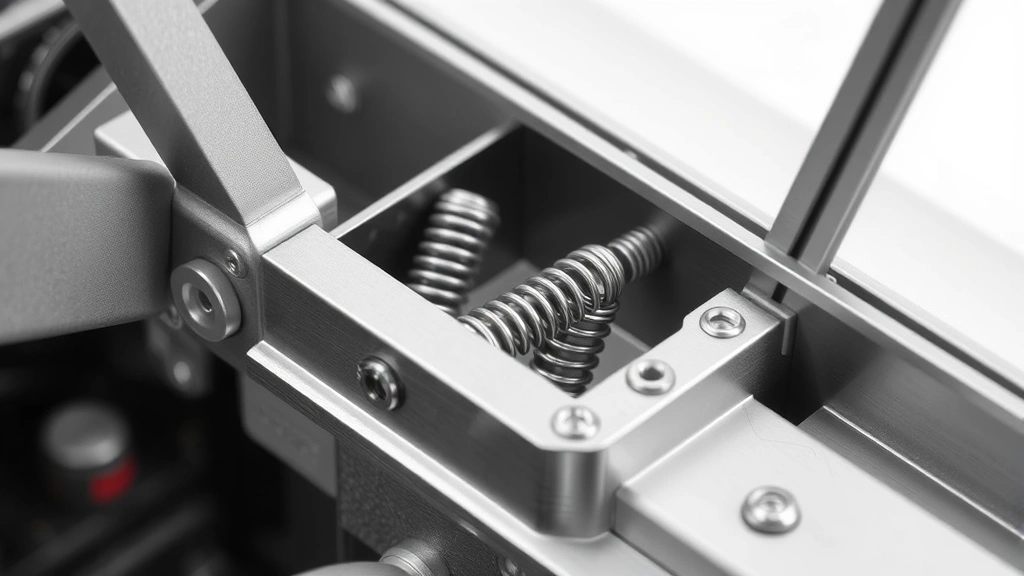
Resistance and Centering: Authentic yokes incorporate proper resistance that simulates aircraft control forces. The yoke should require deliberate input without feeling overly stiff or frustratingly loose. Centering mechanisms ensure the yoke returns to neutral position smoothly, mimicking real hydraulic or mechanical aircraft systems. Spring-centered designs feel most authentic, though quality friction-based systems also perform admirably.
Range of Motion: Professional-grade yokes offer full pitch and roll ranges comparable to actual aircraft. This typically means 30-40 degrees of pitch travel and 90+ degrees of total roll movement. Greater range of motion provides finer control resolution and more authentic feel compared to limited-travel budget options.
Build Materials: Premium yokes utilize aluminum, steel, and high-quality polymers that withstand thousands of flight hours. Honeycomb and Thrustmaster both employ aircraft-grade materials that resist wear and maintain calibration accuracy indefinitely. Budget options sometimes use plastic components that may develop play or looseness over time, though reputable manufacturers maintain acceptable durability standards.
Integrated Controls: Many modern yokes include integrated throttle levers, trim wheels, or button arrays. While convenient, integrated systems sometimes feel cramped or poorly positioned. Separate control systems offer superior ergonomics and flexibility, allowing custom mounting arrangements tailored to individual preferences. Consider your desk layout and comfort requirements when evaluating integrated versus standalone configurations.
Budget vs Premium Options
The flight simulation equipment market spans a wide price range, from budget-friendly options under $100 to professional-grade systems exceeding $500. Understanding the value proposition at different price points helps you make informed decisions aligned with your commitment level and budget constraints.
Budget Category ($50-150): Entry-level yokes like the VirtualFly Yoko and basic Logitech options serve pilots new to flight simulation or those wanting casual recreational flying. These yokes deliver surprising quality and smooth operation, though they may lack the premium materials and advanced features found in higher-tier options. Budget yokes work excellently for general aviation flying, bush flying, and recreational cross-country flights. They’re less ideal for challenging approaches, formation flying, or extended multi-hour sessions where premium comfort becomes important.
Mid-Range Category ($150-300): This sweet spot includes the Thrustmaster TCA and upper-tier Logitech options, offering exceptional value for serious enthusiasts. Mid-range yokes provide authentic feel, reliable construction, and feature sets addressing most pilot needs. Many experienced simmers find mid-range equipment perfectly adequate, preferring to invest in complementary gear like rudder pedals, throttle quadrants, or VR headsets. For most pilots, mid-range yokes represent the optimal balance between performance, durability, and cost-effectiveness.
Premium Category ($300+): The Honeycomb Alpha and comparable professional systems deliver uncompromising quality, authentic materials, and features targeting serious simulation enthusiasts. Premium yokes incorporate aerospace-grade construction, exceptional haptic feedback, and superior longevity. If you’re considering major commitments to flight simulation or seeking equipment lasting decades, premium options justify their investment through durability, performance, and satisfaction.
Compatibility and Setup Considerations
Ensuring your flight sim yoke works seamlessly with your chosen simulation platform and computer setup prevents frustration and maximizes enjoyment. Compatibility considerations extend beyond simple plug-and-play functionality.
Platform Compatibility: Modern yokes support MSFS 2024, X-Plane 12, Prepar3D, and other major platforms through standard USB HID protocols. However, some features may require platform-specific software or community-developed profiles. Before purchasing, verify that your target yoke supports your preferred simulation platform and that community support exists for customization and troubleshooting.
Computer Requirements: Flight sim yokes require minimal processing power, functioning with any modern computer featuring USB ports. However, flight simulation itself demands substantial computing resources. Ensure your system meets minimum specifications for your chosen platform, as inadequate hardware creates latency and responsiveness issues that undermine even premium yoke performance. A quality yoke deserves a capable computer system to showcase its capabilities fully.
Mounting Solutions: Yokes require stable mounting to desk, chair arms, or dedicated flight sim rigs. Quality mounting prevents unwanted movement during intense flying sessions and protects your equipment from damage. Many yokes include mounting hardware, though you may need to purchase additional clamps or extensions for optimal positioning. Consider your desk dimensions, chair design, and available space when planning your mounting strategy.
Calibration and Software: Most yokes require initial calibration through your flight simulation platform or manufacturer software. Quality manufacturers provide excellent calibration tools and detailed documentation. Proper calibration ensures your yoke’s full range of motion translates accurately to aircraft control inputs, preventing dead zones or inverted controls that compromise flying quality. Recalibration occasionally becomes necessary after extended use or when experiencing control anomalies.

Advanced Features for Serious Simmers
Experienced pilots often seek advanced features enhancing immersion and realism beyond basic yoke functionality. Understanding these options helps identify equipment matching your specific interests and flying style.
Haptic Feedback Technology: Advanced yokes incorporate haptic feedback systems that transmit aircraft vibrations and control forces through the yoke to your hands. This tactile feedback dramatically enhances immersion, allowing you to feel stall warnings, turbulence, and aerodynamic forces. Haptic-equipped yokes help develop better stick-and-rudder skills by providing physical feedback about aircraft state and performance margins.
Customizable Profiles: Premium yokes support detailed customization through software profiles that adjust sensitivity curves, dead zones, and button assignments for different aircraft types. A Cessna 172 requires different control characteristics than a Boeing 747 or aerobatic Extra 300. Customizable profiles ensure your yoke feels appropriately responsive across diverse aircraft, from heavy airliners requiring deliberate inputs to nimble aerobatic performers demanding precise, snappy control.
Modular Expandability: Some systems like the Thrustmaster TCA employ modular designs supporting future upgrades and customization. You might start with a basic yoke and add throttle quadrants, trim wheels, or button panels as your setup evolves. Modular systems accommodate growing ambitions without requiring complete equipment replacement, providing excellent long-term value.
Dual-Yoke Configurations: Serious simmers sometimes employ dual yokes for authentic two-pilot operations or training scenarios. Dual configurations require careful hardware selection and software setup, but they enable authentic crew training and multi-player flying experiences. Some flight sim centers and training facilities utilize dual-yoke setups for professional pilot training and proficiency maintenance.
Maintenance and Longevity
A quality flight sim yoke represents a significant investment deserving proper care and maintenance to ensure years of reliable service. Understanding maintenance requirements and longevity expectations helps you maximize your equipment’s lifespan and performance.
Regular Cleaning: Dust and debris accumulate on yoke surfaces and can eventually affect control smoothness. Gently clean your yoke regularly with soft, dry cloths, paying special attention to moving parts and seams. Avoid harsh chemicals or excessive moisture that might damage materials or corrode metal components. Keeping your equipment clean prevents premature wear and maintains aesthetic appeal.
Calibration Maintenance: Periodically recalibrate your yoke, particularly if you notice control anomalies or after extended storage periods. Fresh calibration ensures your equipment’s full range of motion remains accurately mapped to aircraft controls. Most manufacturers recommend annual recalibration for heavily-used equipment, though casual users may need recalibration less frequently.
Storage Considerations: Proper storage protects your yoke during extended periods of non-use. Store equipment in cool, dry locations away from direct sunlight, extreme temperatures, or high humidity. Avoid compressing springs or bending control linkages during storage. If you’re taking your yoke on adventures, invest in protective cases or padded bags that prevent damage during transport.
Warranty and Support: Reputable manufacturers back their equipment with substantial warranties and responsive customer support. Quality warranty coverage provides peace of mind, while manufacturer support ensures you can resolve technical issues quickly. Before purchasing, research manufacturer reputation, warranty terms, and community feedback regarding customer service quality. Good support becomes invaluable if problems arise.
Component Replacement: Premium yokes often allow individual component replacement, extending equipment lifespan indefinitely. If springs weaken, buttons stick, or other components wear, quality manufacturers offer replacement parts at reasonable prices. This repairability contrasts sharply with budget options where component failure sometimes necessitates complete replacement. Long-term cost analysis often favors premium equipment that supports ongoing repair and restoration.
Your flight sim yoke investment deserves thoughtful consideration of maintenance requirements and longevity expectations. Quality equipment properly maintained can provide decades of reliable service, while budget options may require replacement after several years of heavy use.
FAQ
What’s the difference between a flight sim yoke and a joystick?
Flight sim yokes replicate actual aircraft control columns, providing pitch and roll control through a yoke-shaped interface. Joysticks offer similar functionality but with a different physical design. Yokes generally feel more authentic for commercial and general aviation aircraft, while some pilots prefer joysticks for fighter jets or aerobatic flying. Your choice depends on aircraft preference and personal ergonomic preference.
Do I need rudder pedals along with my yoke?
While not absolutely necessary, rudder pedals dramatically enhance realism and improve your flying skills. Many simmers start with yokes alone and add pedals later. For tailwheel aircraft, crosswind landings, or aerobatic flying, rudder pedals become essential for authentic control. Budget $150-300 for quality pedals if you decide to add them to your setup.
Can I use a flight sim yoke with console gaming?
Most flight sim yokes connect via USB and work exclusively with PC-based flight simulators. Console flight simulation options remain limited, though some titles support USB controllers. Verify console compatibility before purchasing if you plan console gaming. PC remains the dominant platform for serious flight simulation.
How long do flight sim yokes typically last?
Quality yokes from reputable manufacturers often last 10-15+ years with proper care. Budget options may show wear after 3-5 years of heavy use. Longevity depends heavily on build quality, maintenance practices, and usage intensity. Premium equipment’s superior durability often justifies its higher initial cost through extended service life.
What’s the learning curve for using a flight sim yoke?
Most pilots find yokes intuitive within their first few flights. The learning curve involves understanding your yoke’s specific control characteristics, sensitivity settings, and calibration. Spending time in small aircraft like Cessnas before transitioning to complex airliners helps develop proper technique. Most simmers achieve competent proficiency within 10-20 flight hours.
Are expensive yokes really worth the premium price?
Premium yokes offer superior build quality, authentic materials, better haptic feedback, and exceptional longevity. For serious simmers planning long-term engagement with flight simulation, premium equipment provides better value through reliability and durability. Casual simmers might find mid-range options perfectly adequate. Consider your commitment level and flying frequency when evaluating price-to-value ratios.
Can I use multiple yokes simultaneously for multi-crew operations?
Yes, many flight simulators support dual-yoke configurations for authentic two-pilot operations. Both captain and first officer can control the aircraft simultaneously, enabling realistic crew training and multi-player flying. Proper software configuration and hardware setup ensure smooth dual-yoke operation across different simulation platforms.
Selecting the best flight sim yoke depends on your budget, commitment level, and specific aviation interests. Whether you choose budget-friendly options or premium equipment, quality yokes transform flight simulation into genuinely immersive experiences that deepen your appreciation for aviation. Start with your budget constraints, research community feedback, and consider your long-term simulation ambitions. The right yoke awaits—ready to elevate your virtual flying adventures to unprecedented heights.